



In tactical shooters like Valorant, winning comes down to milliseconds. Every detail matters, and achieving consistency starts with the baseline settings that connect a player directly to the server.
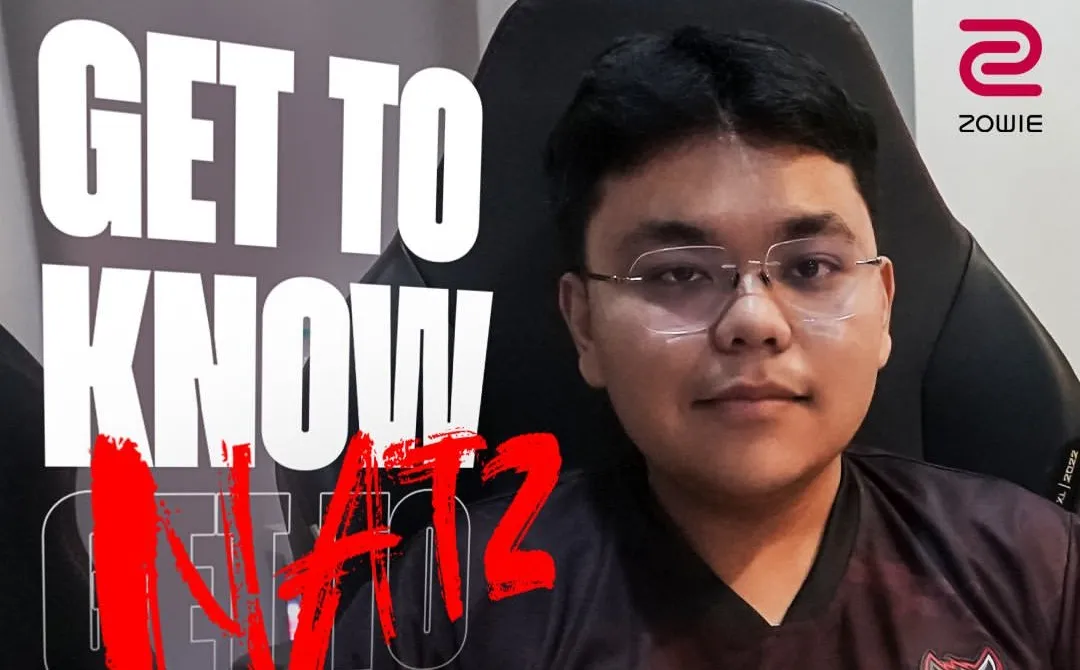
At BOOM Esports, we believe optimization happens at the finest margins. For our star player, Natz, performance is built on a foundation of highly precise inputs. Here is an inside look at how he configures his setup to lock in, dominate, and unleash the Hungry Beast within.
The Fine Details: Mouse & In-Game Settings
Many tactical shooter veterans swear by a low mouse DPI, but Natz opts for a modern high-DPI configuration. This setup maximizes sensor smoothness while maintaining tight, controlled movements in-game.
Mouse & Sensitivity Settings
-
DPI: 1600
-
In-Game Sensitivity: 0.115
Using a higher hardware DPI ensures his aim tracking stays completely smooth, reducing micro-stuttering during fast flicks.
Crosshair & Video Configuration
-
Crosshair: Dot 1 (Outline On) — A tiny dot crosshair allows clean headshot alignment without blocking distant targets.
-
Video Settings: All Low, Bloom On — This classic pro layout removes distracting map clutter to push frame rates as high as possible, while keeping Bloom turned on makes enemy abilities and utility lines easier to read.
To fully leverage these hyper-fast settings and high frame rates, you need a screen that can display them without lag. That’s where BOOM’s hardware weapon of choice comes into play.
The Main Weapon: ZOWIE XL2566X+
To display his high frame rates and precise mouse movements, Natz builds his setup around the ZOWIE XL2566X+. This monitor is the premier choice for competitive esports because it introduces key upgrades designed to stop motion blur and maximize smoothness.
1. Unmatched Speed: Fast TN 400Hz Panel
While casual setups use slower screens, Natz relies on ZOWIE’s new Fast TN panel running at a massive 400Hz. TN panels are the top choice for esports pros due to their ultra-fast response times. At 400Hz, tracking fast enemies, checking corners, and holding tight angles feels completely instant.
2. Dynamic Accuracy 2 (DyAc 2) Premium Blur Reduction
The most crucial hardware feature on Natz‘s monitor is DyAc 2 set to Premium:
-
The Tech: DyAc 2 utilizes a dual-backlight system to heavily reduce screen ghosting and motion blur.
-
The In-Game Advantage: During fast spray transfers or quick mouse movements, enemy models and backgrounds remain sharp. Instead of shooting at a blurry shape, Natz sees crisp outlines for effortless target acquisition.
3. Advanced Motion Accelerator (AMA) Premium Mode
To help the 400Hz refresh rate perform at its peak, Natz activates the AMA Premium setting. This feature speeds up the pixel response time of the panel, pushing hardware performance to the limit to eliminate trailing lines behind moving targets.
When every millisecond counts, taking a page out of the BOOM playbook is what separates casual play from elite competition. Dial in your setup and upgrade to the pro standard with the ZOWIE XL2566X+ in Indonesia or the rest of APAC.